Forge Studio · guided workflow
Learn the batch from Add to Export.
Follow the dark app in its real menu order. Start with the full workflow or jump to the exact screen or editor control you need.
Forge learning path
Written guide ready ✓Watch. Learn. Try your first batch.
The written guides are ready now. Add a video URL here when the lesson is recorded.
Open by app menu
Choose the same name you see in Forge Studio.
Choose your task
One lesson. One finished job.
Every guide explains the button names, what changes and what you should check before moving on.
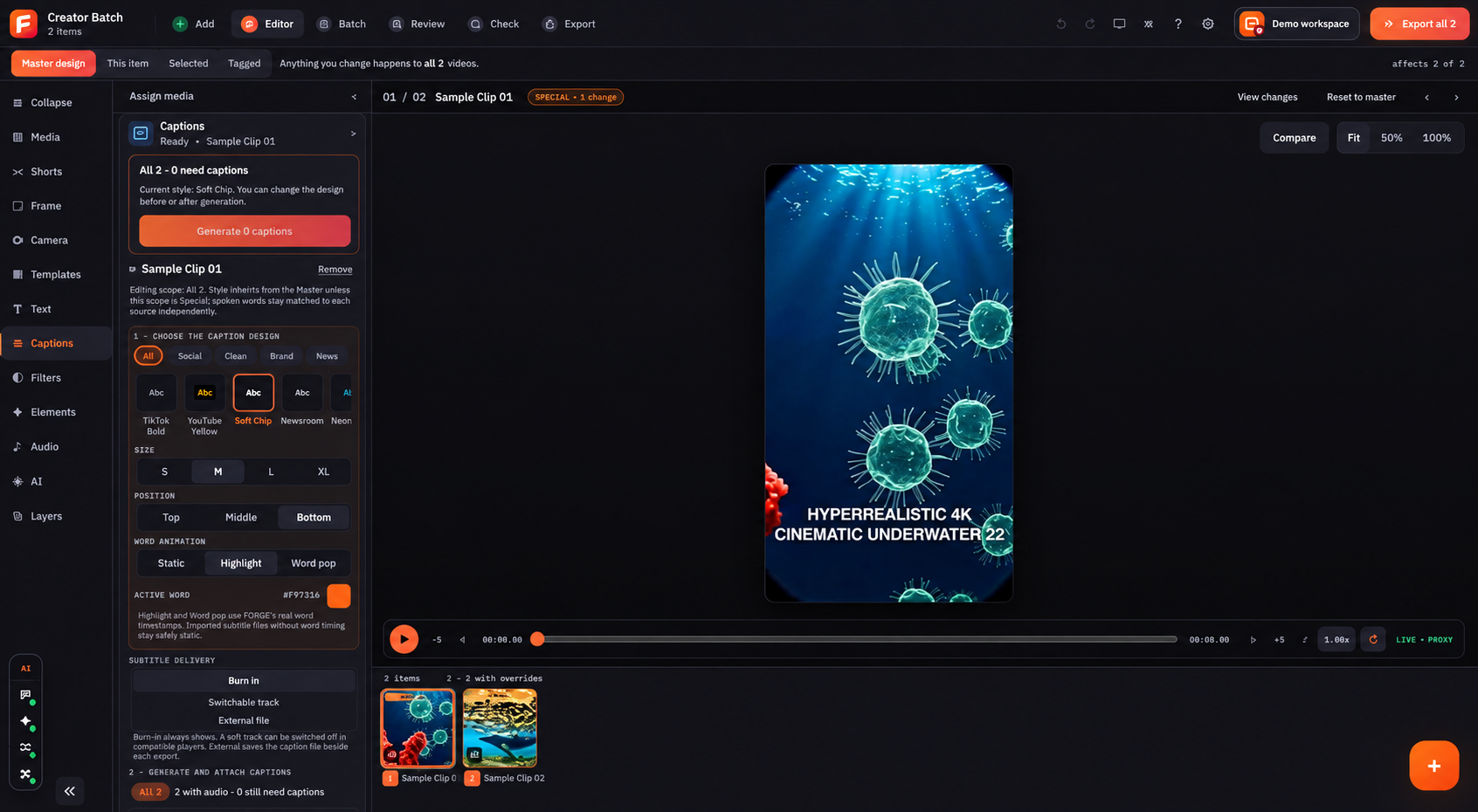
01 · Add, Batch & Review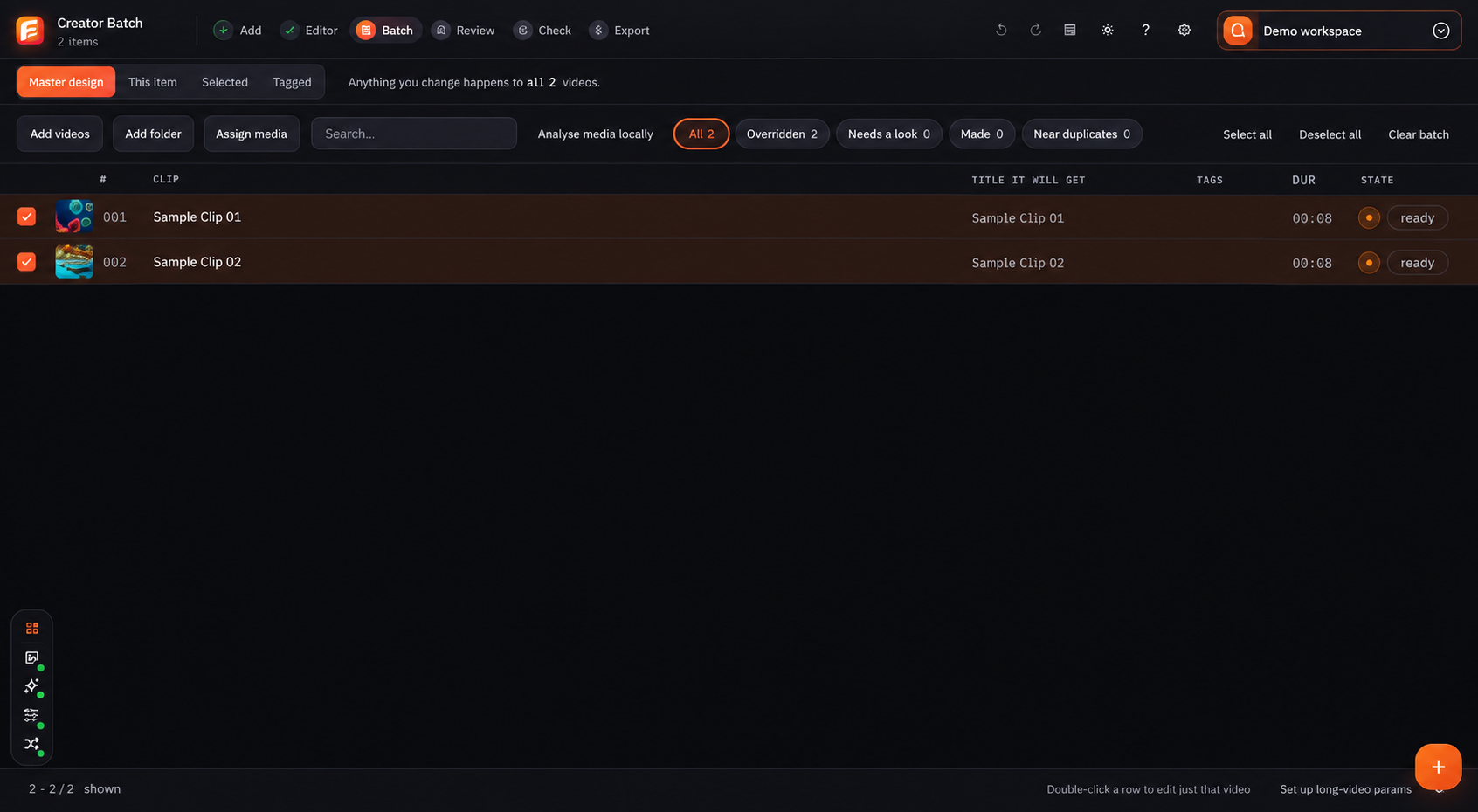 02 · Editor tools & Captions
 03 · Check & Export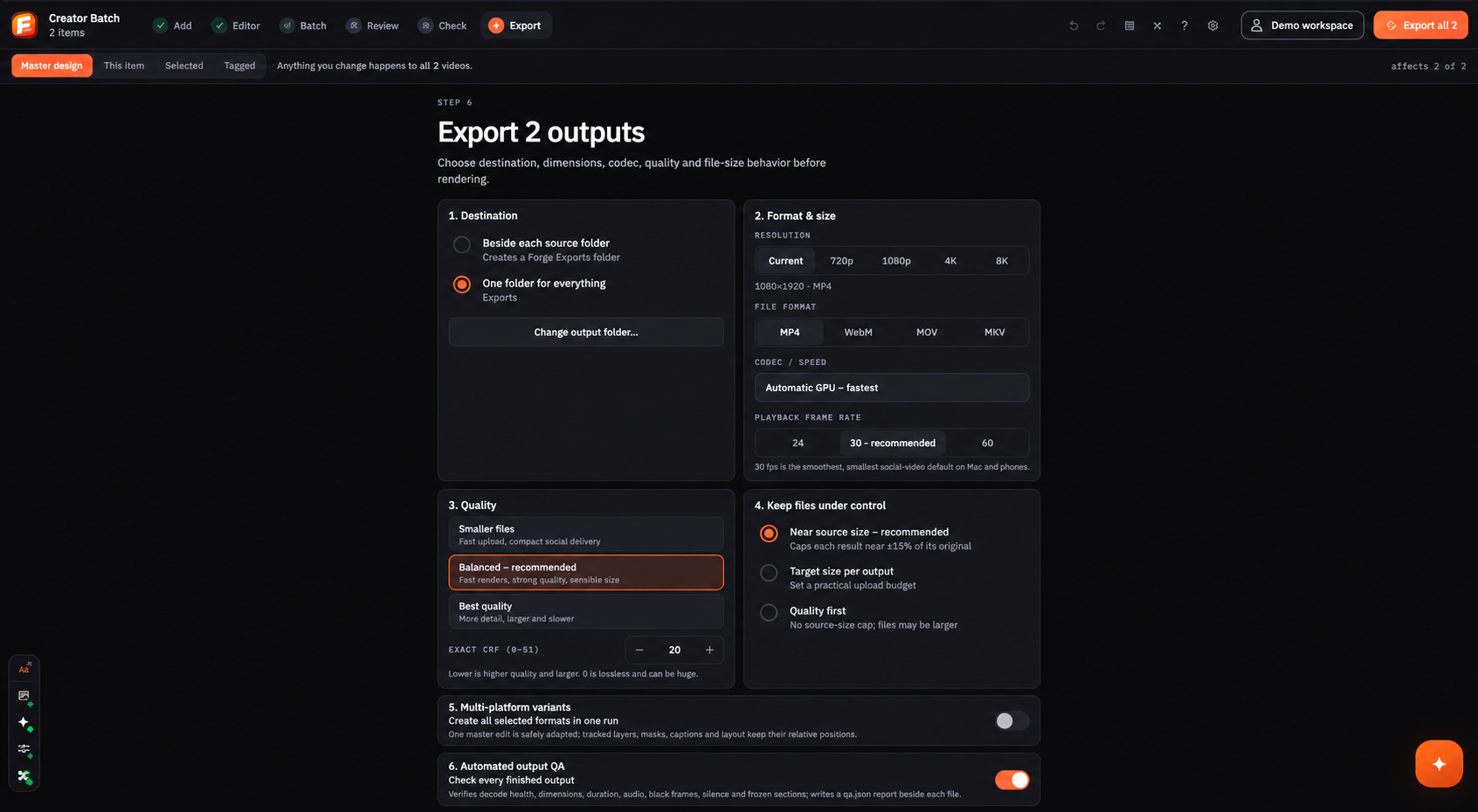
Bring in files and keep every video clear.
Add files, apply the main design, make chosen changes and review every item before export.
- Add videos or a full folder
- Use Master, This item, Selected and Tagged
- Find warnings in Batch and Review
Build the design and style the words.
Learn all twelve editor controls, then choose the caption look, position, motion and subtitle delivery.
- Media through Layers, one by one
- Choose which videos will change
- Burn in or keep separate subtitles
Record the notes and verify final files.
Organise evidence, check open questions, choose export settings and read the final file report.
- Use all five Rights Check tools
- Choose destination, format and quality
- Run Quick, Standard or Deep checks