Add the videos
Bring in individual clips or a working folder and solve missing-media warnings early.
Bring in your clips, build one main look, review the batch and export the versions you need.
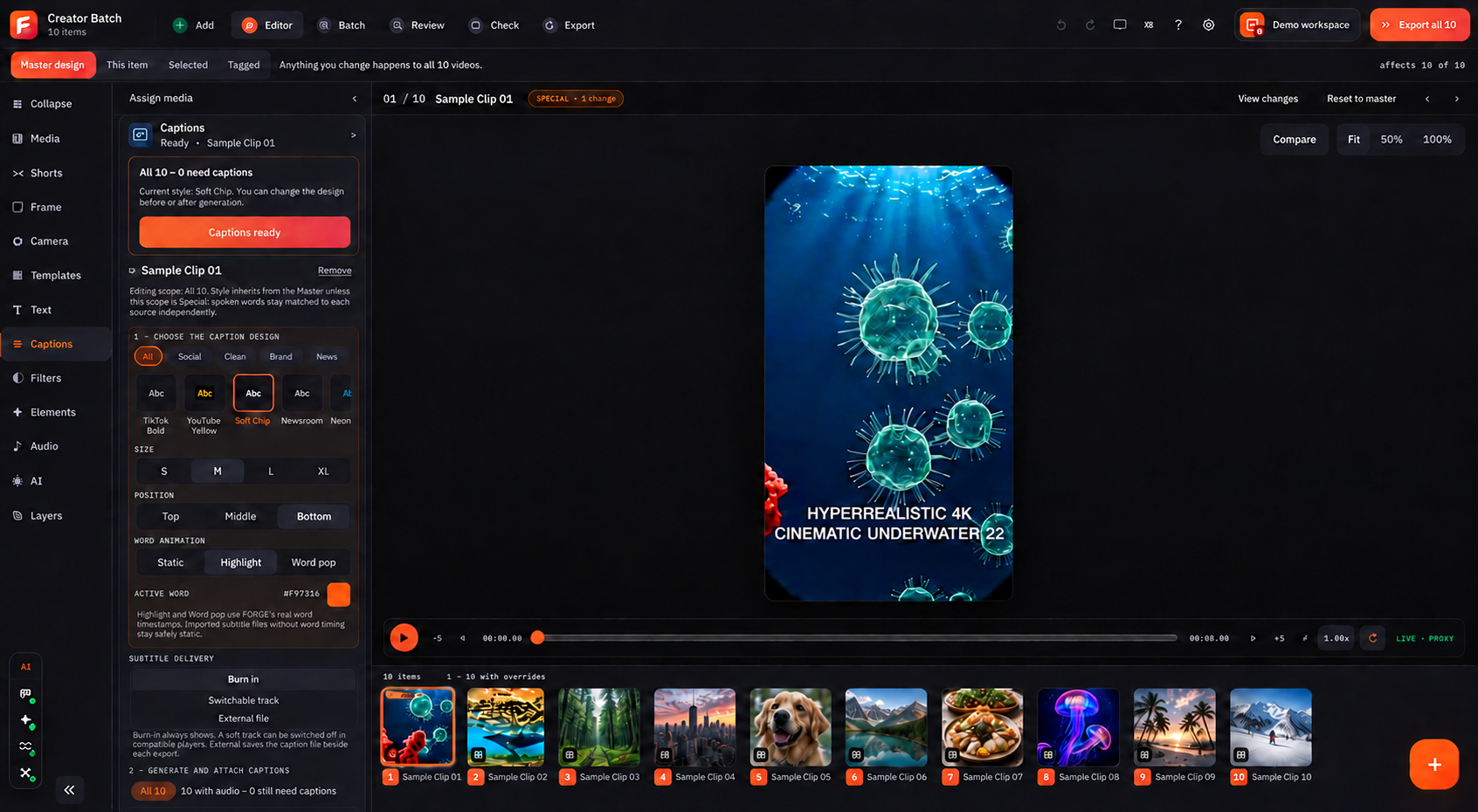 ↗ Open full screen
Import local videos in Add, then open Editor. Use Master design for changes across the batch. This real Editor screen has ten videos open together.
Forge keeps the main design, item-level changes, review and export in one clear path so a large video set stays easy to understand.
Bring in individual clips or a working folder and solve missing-media warnings early.
Create the main layout, captions, text, audio and visual style once for the batch.
Apply a change to every video, this item, selected items or a tagged group.
Use list states and preview cards to find special videos or items needing attention.
Keep rights notes, evidence and open questions together for a human review.
Choose the final format and quality, then check the generated files before delivery.
Use ReelVault when you still need to find approved videos, download them in bulk or check the local vault before editing.
Check your computer, choose a plan and follow the first lesson.