Learn every menu in the order you use it.
Start with one job or jump to the exact screen you need. Every lesson uses simple English and follows the light-theme app.
Watch. Learn. Build your first collection.
The written guides are ready now. Add a video URL here when the lesson is recorded.
Choose the same name you see in ReelVault.
One lesson. One useful result.
Each guide shows where to click, what the main choices mean and where to go next.
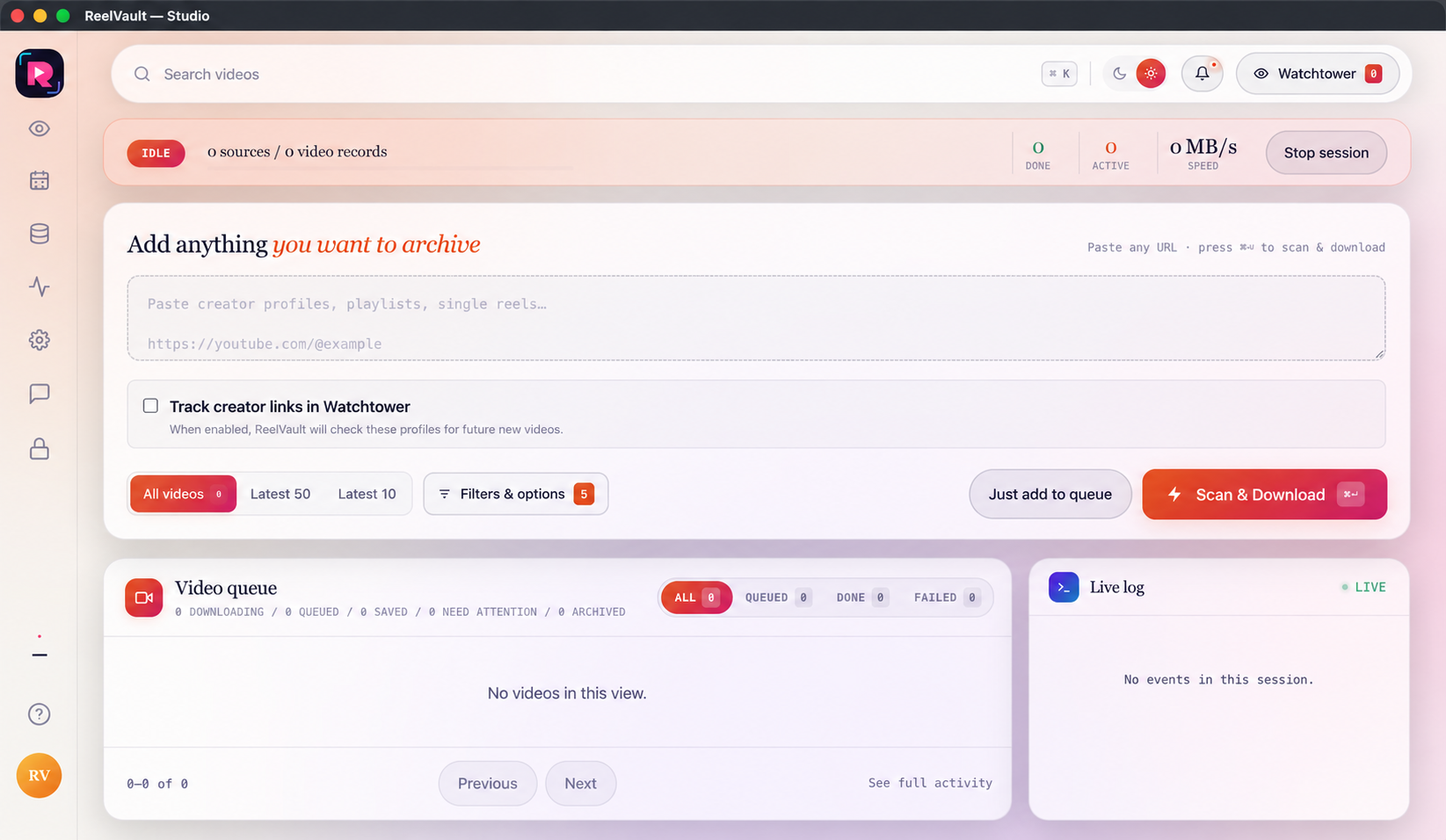
Add a source and read the live queue.
Paste a profile, playlist or single link, choose how much to collect and follow the job until it reaches your vault.
- Choose All, Latest or Filters
- Use Queue or Scan & Download
- Read progress, speed and errors
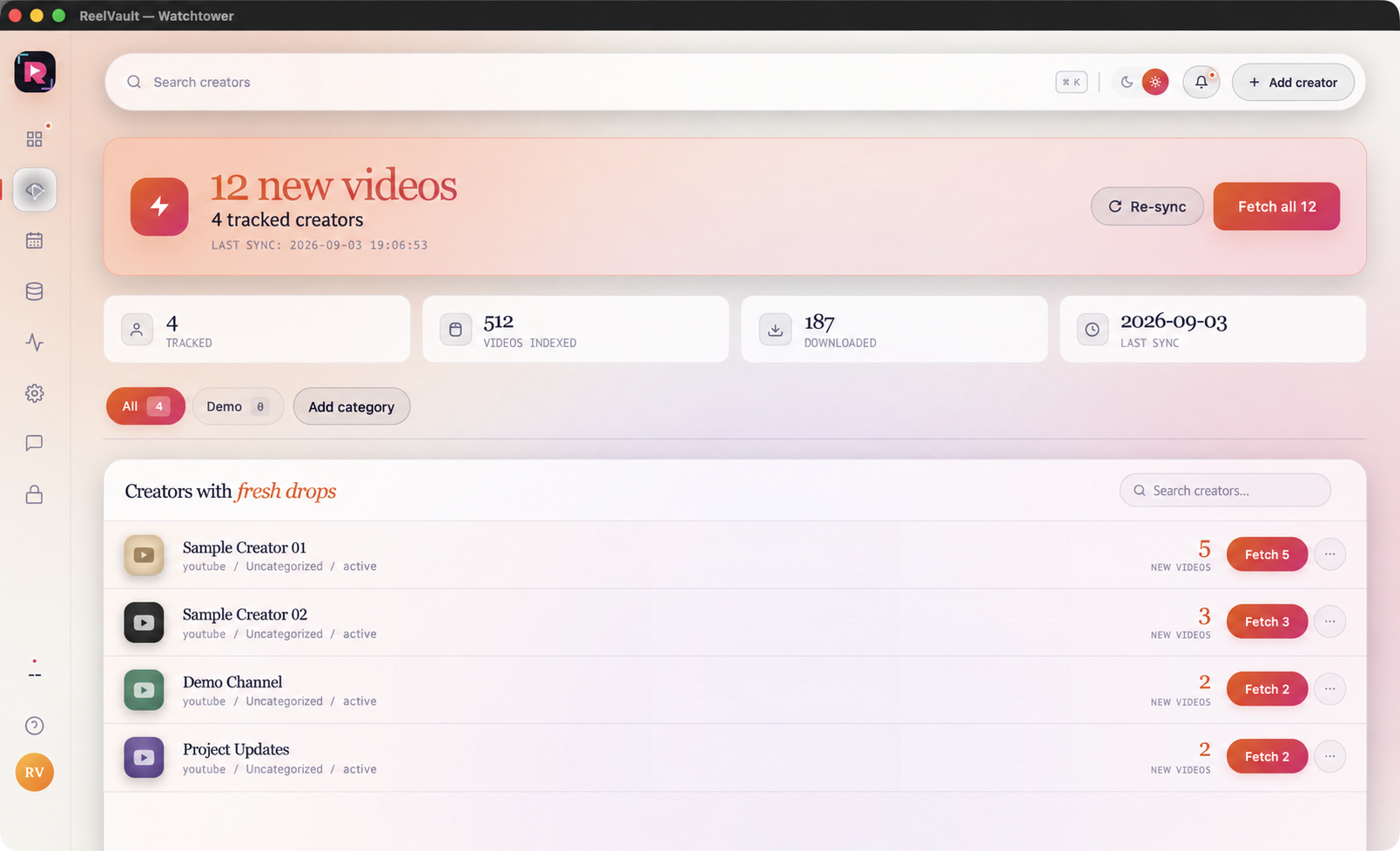
Check new videos from saved creators.
See what changed, search the list and fetch one creator or a reviewed group without losing track of the source.
- Track creators and last sync
- Find new-video and warning states
- Follow fetch jobs in the main queue
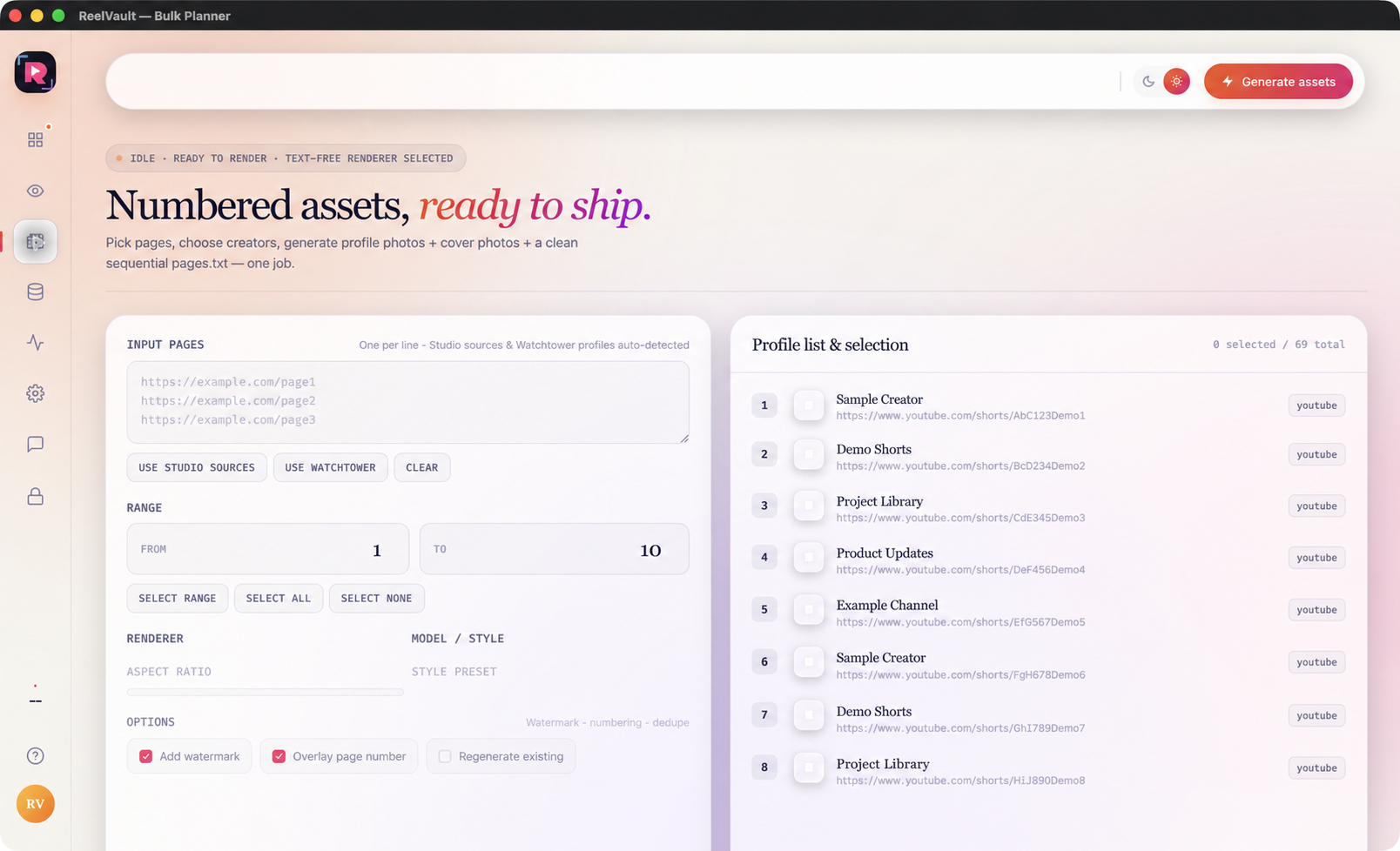
Generate profile assets in one run.
Choose Studio, Watchtower or pasted source pages, set a numeric range and create an organised local output.
- Select all, none or From–To
- Generate with current backend defaults
- Open assets and pages.txt in the output folder
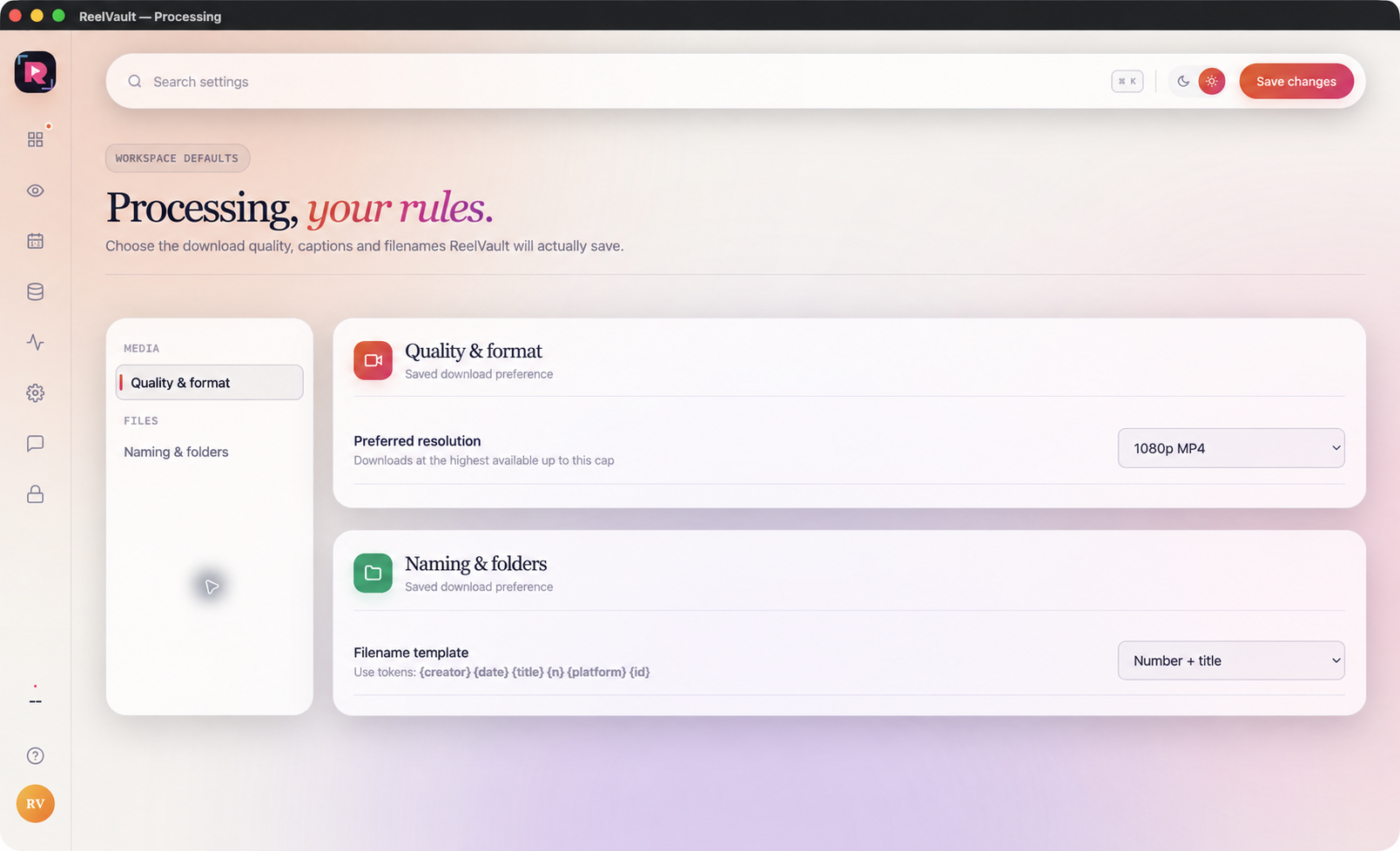
Find files, fix problems and set your defaults.
Use Data Center and Activity, then learn where quality, folders, account and support controls live.
- Find or repair saved files
- Set quality, names and performance
- Open account, license and support help